Digital Invitation Settings
Configure the guest RSVP experience and invitation details
Your invitation isn't just a design - guests need event details, navigation, RSVP options, and payment links. Setting these up separately is confusing and error-prone.
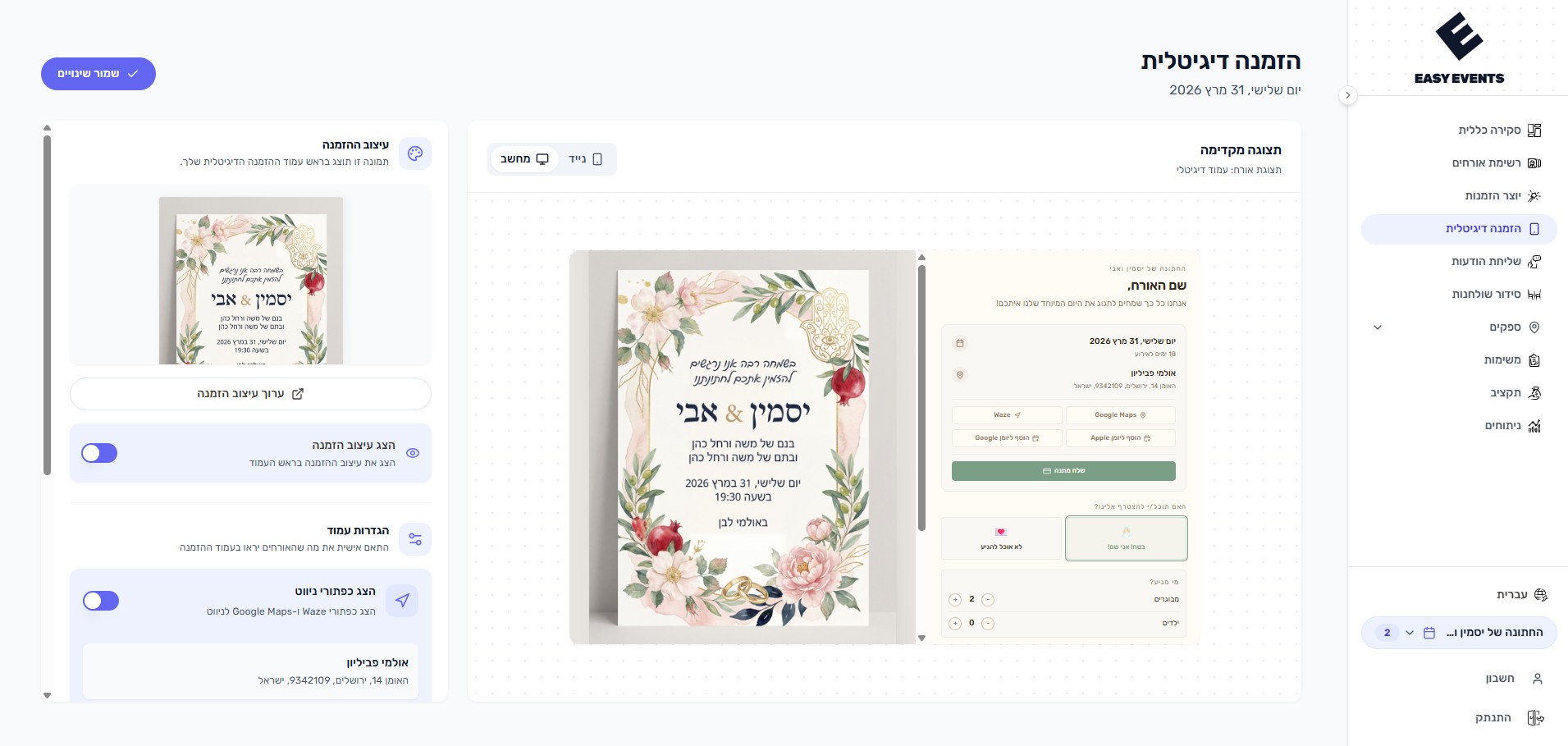
Easy Events' digital invitation settings let you configure everything in one place - venue with map, RSVP questions, dietary preferences, transportation, and payment links. Preview exactly how guests will see it.
What can you do?
- Set event venue with address and Google Maps & Waze integration for navigation
- Customize which RSVP questions to show guests
- Toggle dietary preferences collection (vegetarian, vegan, gluten-free)
- Enable transportation needs tracking with pickup locations
- Add payment app link for monetary gifts (PayBox, Bit, etc.)
- Pick a colour theme and a font for the page - nine themes and four fonts that cover Hebrew, English, Arabic, French and Russian
- Show guests a dress code
- Share a link to the event's lift-sharing group
- Show each seated guest their table
- Preview exactly how guests will see the invitation in a phone frame
- Configure guest confirmation options (attending, not attending, maybe)
- Your own wording on the guest page - the invitation sentence, the RSVP question, the answer buttons, the reception line and the gift button, each language on its own
- Capping confirmations at the number invited - for the whole list, for chosen groups only, or for a chosen set of guests
How does it work?
- 1
Set your venue
Add the event address so guests get a navigation link in their invitation
- 2
Configure RSVP options
Choose which questions guests see when confirming - dietary needs, transportation, plus-ones
- 3
Add payment link
Paste your PayBox or Bit link so guests can send monetary gifts directly
- 4
Choose the look
Pick a colour theme and a font - the preview repaints at once, before you save
- 5
Preview
See exactly how guests will experience the invitation on their phone